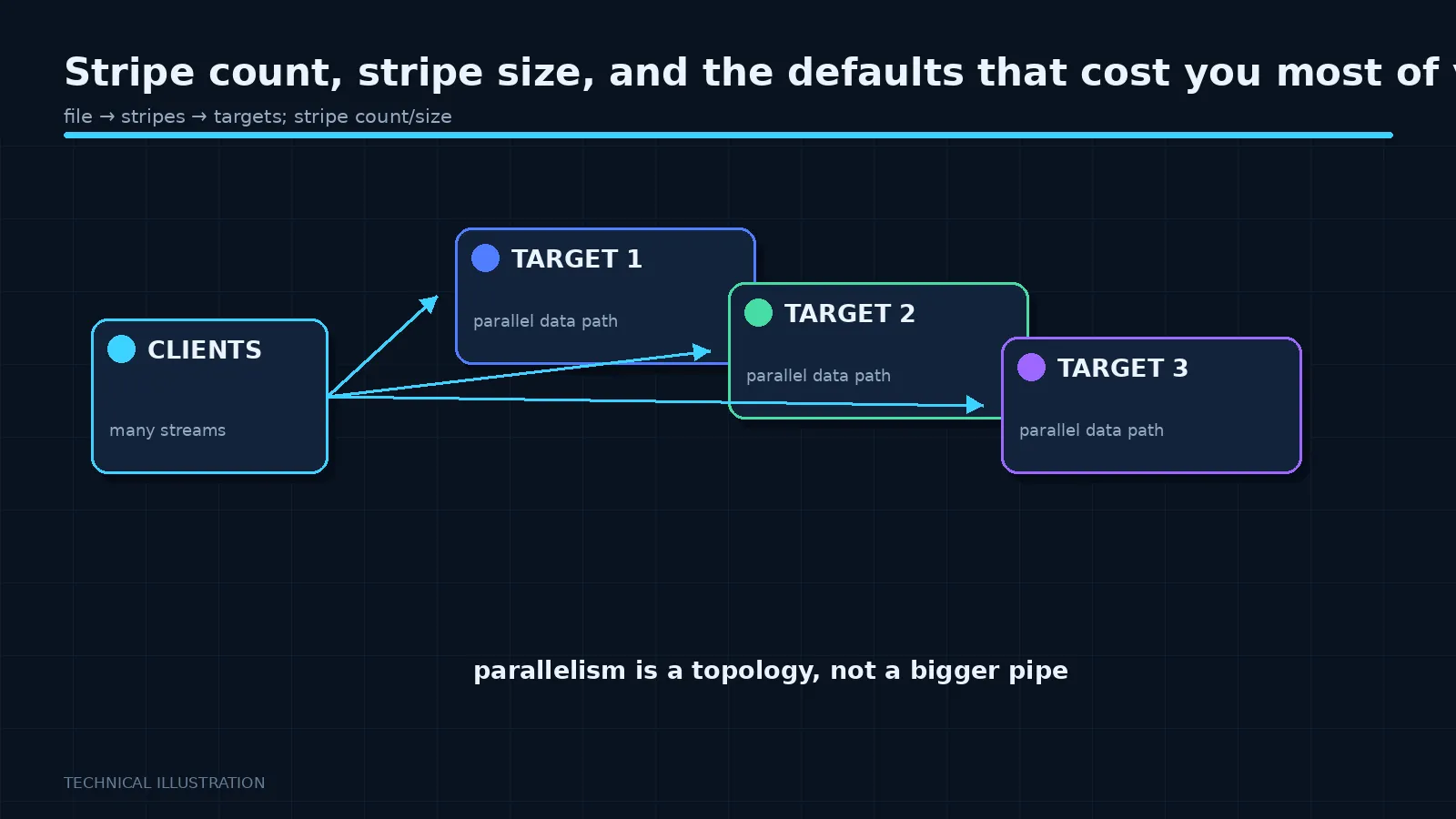
 A parallel file system distributes each file across storage targets. How many, and in what size pieces, are configurable per file, per directory, or system-wide. The defaults are conservative, and conservative here means slow for the workloads people actually run.
The two parameters
Stripe count is how many storage targets a file is spread across. A count of one means the whole file lives on a single target, and reads of that file are limited to what that one target can deliver, no matter how large the system is. A count of eight means eight targets serve it in parallel.
Stripe size is how much data goes to each target before moving to the next. Typically one to four megabytes.
A common default is a stripe count of one. That default exists for a reason: it is optimal for the many-small-files case, where spreading a 40 KB file across eight servers adds overhead and gains nothing. It is catastrophic for a workload writing one hundred-gigabyte checkpoint file, which then goes to exactly one server.
The rule of thumb
Large files, accessed by many clients or needing high single-file bandwidth: stripe widely. Count of eight, sixteen, or across all targets for very large files.
Small files: stripe count of one. Spreading them costs metadata operations and gains nothing.
Files written by many processes to distinct regions: align the stripe size with the application’s write size so that each process’s writes land on one target rather than straddling two. Misalignment here causes read-modify-write cycles that silently halve throughput.
Why nobody changes it
Because the setting lives at the file system level, the person who knows what the workload does is not the person with permission to change it, and the effect is invisible until measured. Nothing errors. The job just takes longer than it should, and everyone assumes that is how fast the system is.
The fix is organisational as much as technical: set striping per directory according to what that directory is for. A directory for checkpoints gets a wide stripe. A directory for source code and small inputs gets a count of one. A directory for training shards gets whatever matches the shard size.
This is a five-minute change that has, in cases I have seen described, doubled effective throughput. It is the closest thing to a free win in this whole area.
Progressive layouts
Newer versions of several systems support layouts that change with file size: start narrow, widen automatically as the file grows past thresholds. Where available, this is the right default because it removes the need to predict.
Check whether your version supports it before hand-tuning everything. It solves the common case well.
How to check what you have
Every system has a command to show a file’s layout. Run it on a representative file from each of your major directories. Then run it on a file that a user complains is slow. The mismatch is often obvious once you look, and almost nobody looks, because the layout is invisible in every normal file listing.
Make it part of the commissioning checklist: for each top-level directory, record the intended layout and verify a real file matches it.
The measurement that settles arguments
Write a large file with stripe count one, time it. Write the same file with a wide stripe, time it. On a healthy system the difference is dramatic, and the number is yours rather than a vendor’s.
Do this during acceptance testing while you still have leverage, not six months later when it is your problem.
Next in the series: what Lustre operators actually complain about.