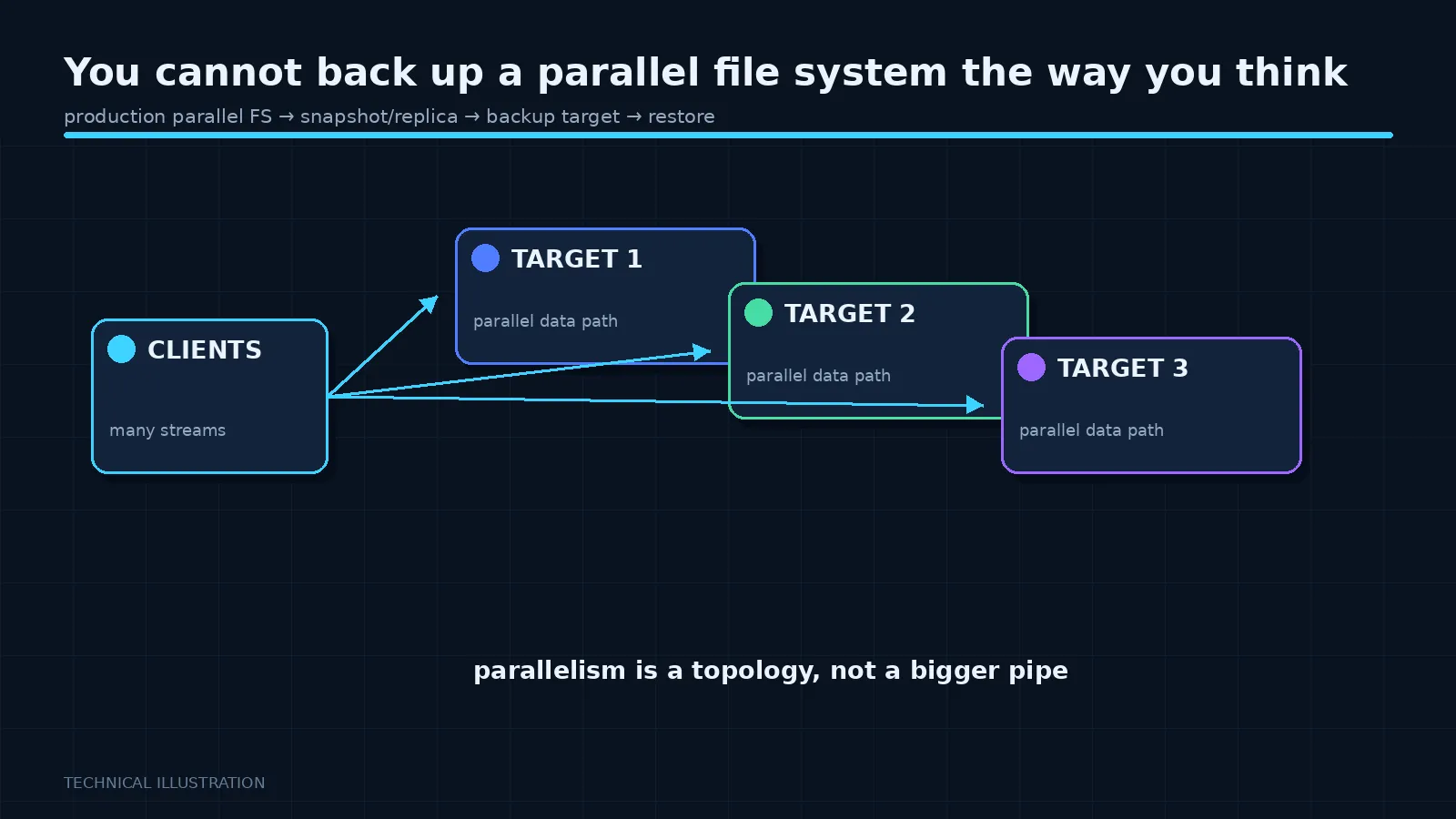
 Enterprise backup assumes a file system it can walk: enumerate the namespace, find what changed, copy it. At a billion files, the walk alone takes longer than the backup window, and the walk is a metadata storm that degrades the system for everyone else.
So the question is not which backup product to use. It is what you are actually trying to protect against.
Separate the threats
Device failure. Handled by the file system’s own redundancy. This is not a backup problem and conflating it with one is how people end up believing they are protected when they are not.
Site loss. Handled by replication to another site, if you can afford the second site and the bandwidth.
Accidental deletion. Handled by snapshots, where supported. This is the most common real incident and the cheapest to mitigate.
Corruption or malicious deletion. This is the one that needs a genuine independent copy, and it is the hard one.
Most sites need a different answer for each, and the mistake is looking for one product that covers all four.
Why the walk is the problem
A conventional incremental backup finds changes by stat-ing every file. On a large parallel file system that is hundreds of millions of metadata operations, which is both slow and disruptive.
The systems that handle this well provide a way to find changes without the walk: a policy engine that scans metadata structures directly, or a changelog that records modifications as they happen. Storage Scale’s policy engine is a genuine strength here. Lustre’s changelog serves a similar purpose.
If your chosen file system has one of these, your backup strategy is built on it. If it does not, you are going to be doing something else.
What sites actually do
Tier by value, not uniformly. Very little of a large research or training file system is irreplaceable. Raw data that can be regenerated by rerunning a job is not worth backing up. Source code, configurations, curated datasets and final results are. Identify the small fraction that matters and protect that properly.
This is a conversation with users, not a technical decision, and it is the one that makes the problem tractable.
Scratch means scratch. Declare parts of the file system explicitly unprotected, tell users clearly, and enforce it with a purge policy. A site that backs up scratch is spending money to protect data its own users consider disposable.
Archive rather than back up. Move cold data to an archive tier or tape on a policy, and let that be the retained copy. This is what tiering engines are for and it is a better fit than nightly backup.
Snapshots for the common case. Cheap, fast, and they handle the deletion incident that actually occurs. They are not a backup — they share fate with the file system — and they are the highest-value thing you can enable.
The question to ask
Not “how do we back this up” but “what would we do if this file system were destroyed tomorrow”. Follow the answer honestly per dataset. Some answers will be “rerun the jobs, three weeks”. Some will be “the project is over”. The second category is your backup scope and it is usually a small percentage of the capacity.
Write it down and get the users to agree to it while nothing is on fire. After an incident is a bad time to discover that everyone assumed somebody else was protecting something.
The uncomfortable summary
Many large parallel file systems are not fully backed up anywhere, and their operators know it, and it is a considered decision rather than negligence. The cost of a second copy at that scale is a second file system.
The failure is not choosing not to back it up. The failure is not saying so out loud, so that users believe a safety net exists.
Next, a short series on backup appliances, where the conversation is very different.